
How it works
Your document.
Delivered.
- Delivery receipt on every fax
- Unlimited pages
- Stored in Canada or the U.S.
First, choose your fax number.
Numbers & porting
Take a new local or toll-free number, or bring your current one — porting is free.
Sending a fax
Three steps. One clear journey.
The steps play on their own — choose one to look closer.
01 / Attach
Start with your document.
Drop in a PDF, a Word or Excel file, an image, or a page straight from your scanner. Add a cover page if you want one.
Drop a file here, or choose one
Offer-to-purchase.pdf3 pages · attached and ready
PDFDOCXXLSXJPGPNGTIFF
02 / Send
Send it your way.
Use the desktop app, email it from your mail client, or print to FaxDirect from any program. The transmission is encrypted and routed from the region you chose.
Desktop app
Email
Print to fax
FaxDirectEncrypted · Canada or U.S. region
Receiving fax(416) 555-0137Connected
03 / Track
Know when it lands.
Offer-to-purchase.pdfDelivered
- Uploaded
- Connected
- Transmitting
- Delivered
Delivery receipt saved with the fax · TX-4468-2A
Receiving a fax
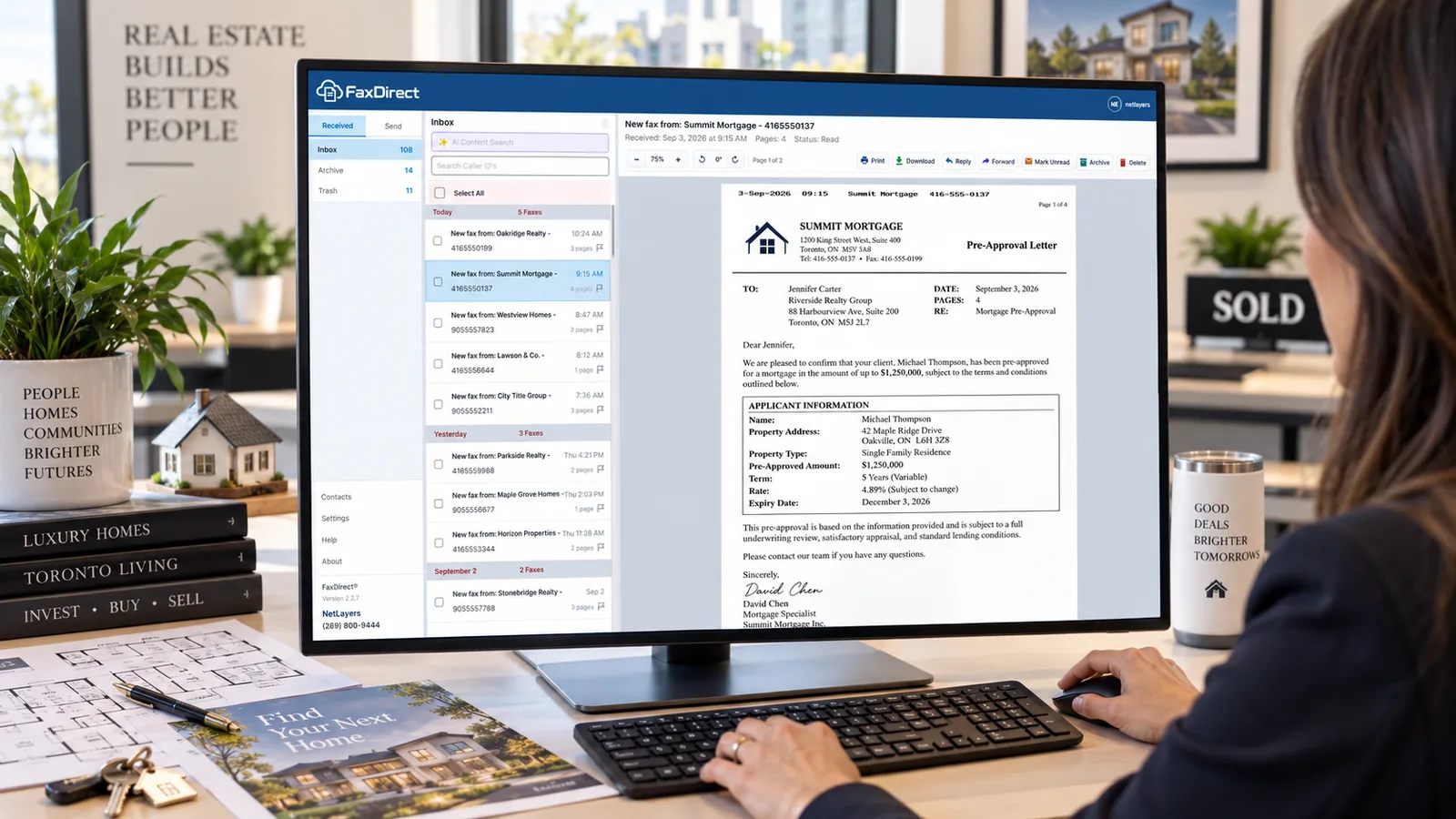
It arrives. You open it. Done.
- It lands in your inboxGrouped by day; unread stays bold until someone opens it.
- You hear it arriveA short tone and a desktop notification, so nobody watches the screen.
- Open, print, reply or forwardAnnotate the page and send it back or on to another number in one click.
- Find it again by what is on the pageAI content search reads every page — a name, a claim number, a medication.
Ready for your first fax?
- Free standard number porting
- Unlimited sent and received pages
- Cancel from account settings, any time